As a dedicated Dead by Daylight player since its early days, I've encountered my fair share of technical issues, but none has been as persistent and frustrating as Error Code 8012. This connection error has haunted the community for years, and even in 2026, it occasionally rears its ugly head during crucial moments—whether I'm coordinating with friends in a lobby, customizing my favorite killer's loadout, or in the middle of an intense chase. The official explanation from Behaviour Interactive about service difficulties always felt vague, leaving players like me searching for practical solutions. Through extensive troubleshooting and community discussions, I've compiled what actually works to banish this error for good.
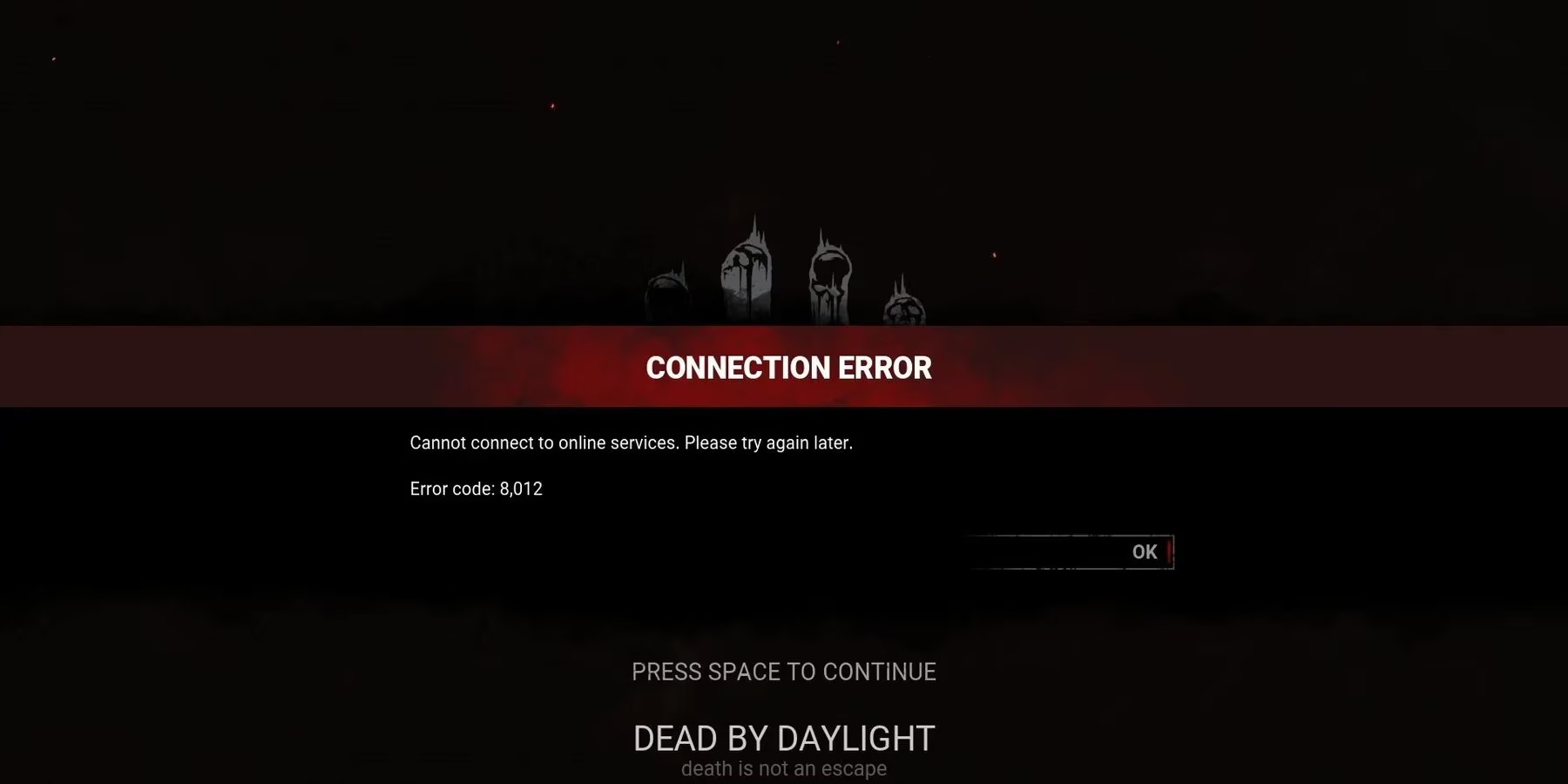
Understanding Error Code 8012 is the first step toward fixing it. Essentially, this error occurs when your game client fails to maintain a stable connection with the Dead by Daylight servers, similar to connection issues I've experienced in other online games like the recently updated Fallout 76. The disconnection can happen at any moment—while browsing through the Bloodweb, waiting in a lobby with friends, or even during a tense generator repair. Several factors contribute to these connection problems, ranging from platform-specific issues to local network instability.
When I first encountered Error Code 8012, I panicked, thinking I'd been banned or that my progress was lost. But after helping numerous fellow survivors troubleshoot this issue, I've identified the most effective solutions. The error typically manifests on PC platforms, especially through Steam, though console players aren't entirely immune. The sudden disconnection and error screen can ruin an otherwise perfect gaming session, making reliable fixes essential for any serious Dead by Daylight enthusiast.
Primary Causes of Error Code 8012:
-
Platform maintenance periods (particularly Steam's weekly maintenance)
-
Unstable internet connection or intermittent network drops
-
Background processes interfering with Easy Anti-Cheat
-
Outdated game files or corrupted installation
-
Server-side issues from Behaviour Interactive's end
My troubleshooting journey begins with the simplest solution: checking server status. Steam still conducts its weekly maintenance on Tuesdays around 3:00 PM Pacific Time, though the schedule has become more predictable in 2026. If I'm trying to play during this window, Error Code 8012 is almost guaranteed. I've learned to check unofficial server status websites before launching the game, saving myself the frustration of repeated disconnections. When the servers are experiencing unexpected issues—which happens less frequently now than in previous years—there's unfortunately nothing to do but wait for Behaviour Interactive or Valve to resolve the problem.
If servers are operational, I move to local network checks. A stable internet connection is crucial for Dead by Daylight's real-time gameplay. I've found that even brief connection drops that wouldn't affect browsing or streaming can trigger Error Code 8012. My troubleshooting routine includes:
-
Restarting network equipment – Unplugging router and modem for 30 seconds
-
Running connection tests – Using command prompt to ping Dead by Daylight servers
-
Checking for bandwidth congestion – Ensuring other devices aren't consuming all bandwidth
-
Testing wired connection – Switching from Wi-Fi to Ethernet when possible
Sometimes the solution is refreshing everything. A complete system reboot clears temporary files, resets network adapters, and closes any stuck processes that might interfere with Dead by Daylight. On PC, I make sure to fully restart Steam rather than just closing and reopening it, as background instances can persist. For console players, a full power cycle (not just rest mode) often resolves similar connection issues.
The most technical but frequently effective solution involves Easy Anti-Cheat. Dead by Daylight's anti-cheat system, while essential for fair play, can sometimes be temperamental. If EAC isn't running correctly or flags normal activity as suspicious, Error Code 8012 may appear even with perfect internet connectivity. Repairing EAC has become my go-to solution when other methods fail.
Easy Anti-Cheat Repair Process:
-
Navigate to Dead by Daylight's installation folder (usually in Steam/steamapps/common)
-
Open the EasyAntiCheat folder
-
Right-click EasyAntiCheat_Setup.exe
-
Select "Run as administrator"
-
Click the "Repair Service" button
-
Restart computer after completion
This process typically takes just a few minutes and has resolved Error Code 8012 for me more times than I can count. The repair function checks for corrupted files, updates components, and ensures proper integration with Dead by Daylight. In 2026, Behaviour Interactive has made this process slightly more accessible through the game's launcher, but the manual method remains the most reliable.
Additional troubleshooting steps I've found helpful include verifying game file integrity through Steam, updating network drivers (especially important with newer hardware releases), and temporarily disabling firewall or antivirus software that might be blocking the connection. The Dead by Daylight community has also discovered that playing during peak hours sometimes increases Error Code 8012 frequency due to server load, so adjusting play schedules can help.
What's reassuring is that Error Code 8012 occurrences have decreased significantly since the game's earlier years. Behaviour Interactive's server infrastructure improvements and better error handling in recent updates have made the game more stable overall. However, when the error does appear, having this comprehensive troubleshooting guide means I'm back in the trial within minutes rather than spending hours frustrated and disconnected from the Entity's realm. The key is systematic elimination—starting with the simplest solutions and working toward more technical fixes until stability is restored. With these methods, Error Code 8012 becomes a minor inconvenience rather than a game-stopping problem, allowing me to focus on what really matters: surviving the night or claiming my next sacrifice.
Comments